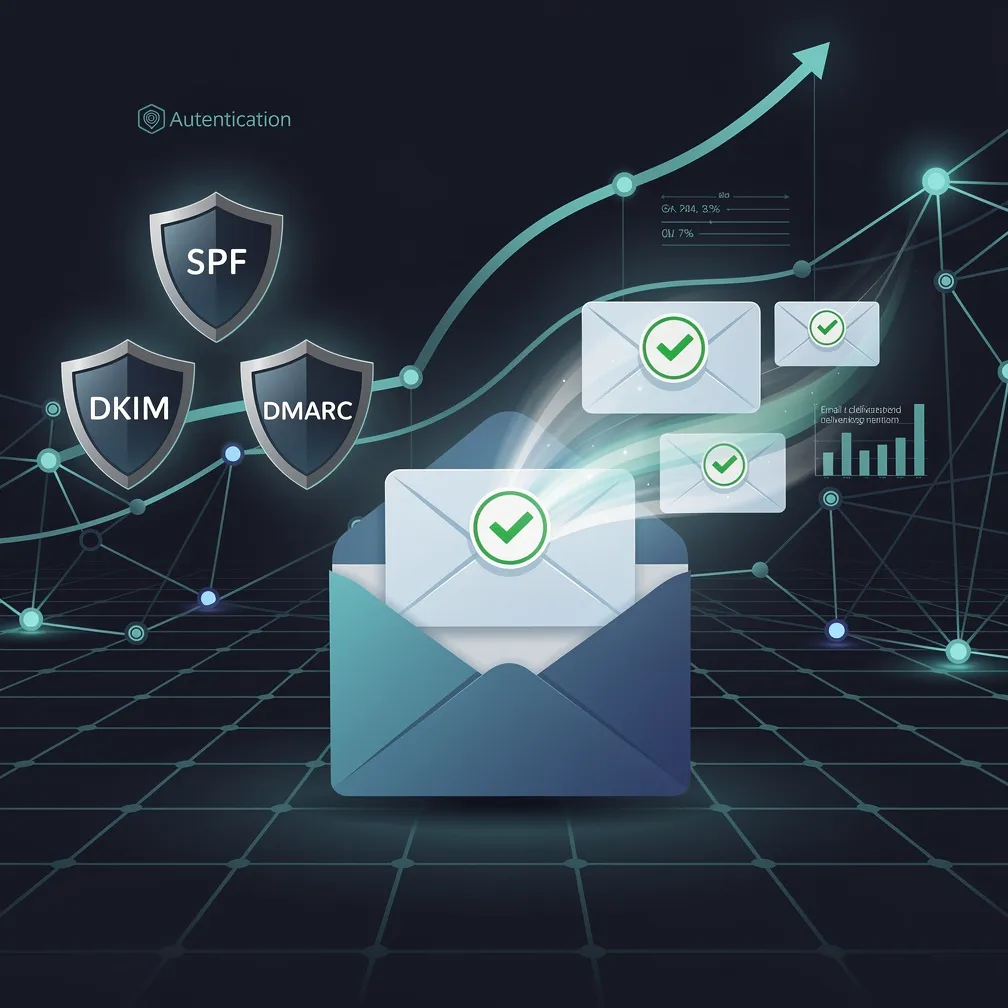
You can craft the perfect email — compelling subject line, personalized content, irresistible CTA — but none of it matters if your message never reaches the inbox. Email deliverability is the foundation every email program is built on, and in 2026, mailbox providers like Google, Microsoft, and Yahoo are stricter than ever about what they allow through.
Poor inbox placement doesn’t just reduce opens and clicks. It erodes sender reputation, triggers cascading delivery failures, and can ultimately get your domain blocklisted. Whether you’re sending transactional emails, marketing campaigns, or critical notifications, you need a systematic approach to improve email deliverability across every dimension.
This guide covers 15 proven tactics — organized from foundational infrastructure through advanced optimization — that email marketers and IT teams can implement immediately to achieve consistent inbox placement.
Sender Policy Framework (SPF) tells receiving mail servers which IP addresses are authorized to send email on behalf of your domain. Without it, your messages are far more likely to land in spam.
Action steps:
include: mechanism for third-party senders (your ESP, CRM, transactional service)-all (hard fail) rather than ~all (soft fail) for maximum protectionVerify your SPF record with tools like dig TXT yourdomain.com or online SPF validators before going live.
DomainKeys Identified Mail (DKIM) adds a cryptographic signature to your email headers that proves the message hasn’t been tampered with in transit and genuinely originated from your domain.
Action steps:
selector._domainkey.yourdomain.comd= domain in your DKIM signature matches your From: domainDMARC (Domain-based Message Authentication, Reporting & Conformance) ties SPF and DKIM together and tells mailbox providers what to do when authentication fails. As of 2026, Google and Yahoo require DMARC at p=quarantine or stricter for bulk senders.
Action steps:
p=none and aggregate reporting (rua=) to identify legitimate senders you missedp=quarantine once you’ve confirmed all authorized sources pass alignmentp=reject as the long-term goal — this provides maximum protection against spoofingShared IP pools mean your reputation is partially determined by other senders on the same infrastructure. If you send more than 100,000 emails per month, a dedicated IP gives you full control over your sender reputation.
Action steps:
Transport Layer Security (TLS) encrypts email in transit. While most providers support opportunistic TLS, publishing an MTA-STS policy ensures connections must use encryption — preventing downgrade attacks and signaling to mailbox providers that you take security seriously.
Action steps:
https://mta-sts.yourdomain.com/.well-known/mta-sts.txt_mta-sts DNS TXT record pointing to your policy_smtp._tls DNS record) to receive TLS failure reportsInvalid addresses increase your bounce rate, which directly damages sender reputation. Prevention at the point of collection is far more effective than remediation after the fact.
Action steps:
Subscribers who haven’t opened or clicked in 90–180 days are dragging down your engagement metrics — and mailbox providers like Gmail use engagement signals to determine inbox placement.
Action steps:
Major ISPs offer Feedback Loops (FBLs) that notify you when recipients mark your email as spam. Processing these in real-time prevents you from continuing to mail people who’ve complained.
Action steps:
Inbox providers reward senders whose recipients actively engage — opening, clicking, replying, and moving messages to the primary tab. Segmentation ensures relevance, and relevance drives engagement.
Action steps:
Sending a large volume from a new IP or domain with no reputation history is a guaranteed path to the spam folder. Mailbox providers need to observe consistent, positive engagement patterns before trusting a new sender.
Action steps:
Modern spam filters use machine learning rather than simple keyword matching, but content still matters. Messages that look like spam — structurally, linguistically, or technically — get filtered like spam.
Action steps:
Nothing signals “wanted mail” to a mailbox provider like a recipient replying to your message. Replies are the strongest positive engagement signal in Gmail’s filtering algorithm.
Action steps:
You can’t improve email deliverability if you can’t measure it. Deliverability issues compound quickly — a problem that goes undetected for 48 hours can take weeks to recover from.
Key metrics to track:
| Metric | Healthy Range | Action Threshold |
|---|---|---|
| Bounce rate (hard) | < 0.5% | > 2% = stop sending, clean list |
| Spam complaint rate | < 0.05% | > 0.1% = immediate investigation |
| Inbox placement rate | > 95% | < 85% = reputation damage likely |
| Open rate (unique) | 20–40% | Sudden drop = placement issue |
| Unsubscribe rate | < 0.3% | > 0.5% = content/frequency mismatch |
Your ESP’s “delivered” metric only tells you the message wasn’t bounced — it doesn’t distinguish between inbox and spam folder. Dedicated inbox placement tools give you visibility into where your messages actually land.
Action steps:
Transactional emails (password resets, order confirmations, security alerts) and marketing emails have fundamentally different engagement profiles. Mixing them on the same IP or subdomain means a marketing campaign that generates complaints can disrupt delivery of critical transactional messages.
Action steps:
mail.yourdomain.com for transactional, news.yourdomain.com for marketingImproving email deliverability isn’t a one-time project — it’s an ongoing operational discipline. Here’s how to prioritize these 15 tactics:
Week 1–2 (Foundation): Audit and fix SPF, DKIM, and DMARC. Verify PTR records and TLS configuration. These are non-negotiable prerequisites.
Week 3–4 (List Quality): Run your entire list through validation. Implement double opt-in. Set up FBL processing and hard-bounce suppression.
Week 5–6 (Engagement): Segment by engagement recency. Launch a sunset campaign for inactive subscribers. Begin sending only to active segments.
Ongoing: Monitor metrics daily. Test placement before major campaigns. Continuously refine segmentation based on engagement data.
The organizations that achieve consistent inbox placement treat deliverability as a core operational capability — not an afterthought. Every email you send either builds or erodes your sender reputation. Make each one count.
Email deliverability measures whether your message reaches the recipient’s inbox (not just their server). Delivery rate only tells you the message wasn’t bounced — it could still be in the spam folder. True deliverability = inbox placement rate.
Authentication fixes (SPF, DKIM, DMARC) can show results within 24–48 hours. Reputation recovery from list hygiene improvements typically takes 2–4 weeks of consistent positive signals. IP warm-up requires 4–6 weeks for full volume.
If you had to pick one: stop sending to people who don’t engage. Removing inactive subscribers immediately improves your engagement ratios, which are the primary signal Gmail and other providers use to determine inbox vs. spam placement.
Not necessarily. Shared IPs from reputable providers work well for senders under 100,000 emails/month. The key advantage of a dedicated IP is that your reputation is entirely within your control — but that also means mistakes affect only you.
Run full validation quarterly at minimum. Suppress hard bounces in real-time (immediately on first occurrence). Re-evaluate inactive subscribers every 90 days. If you’re seeing rising bounce rates between cleanings, increase frequency.