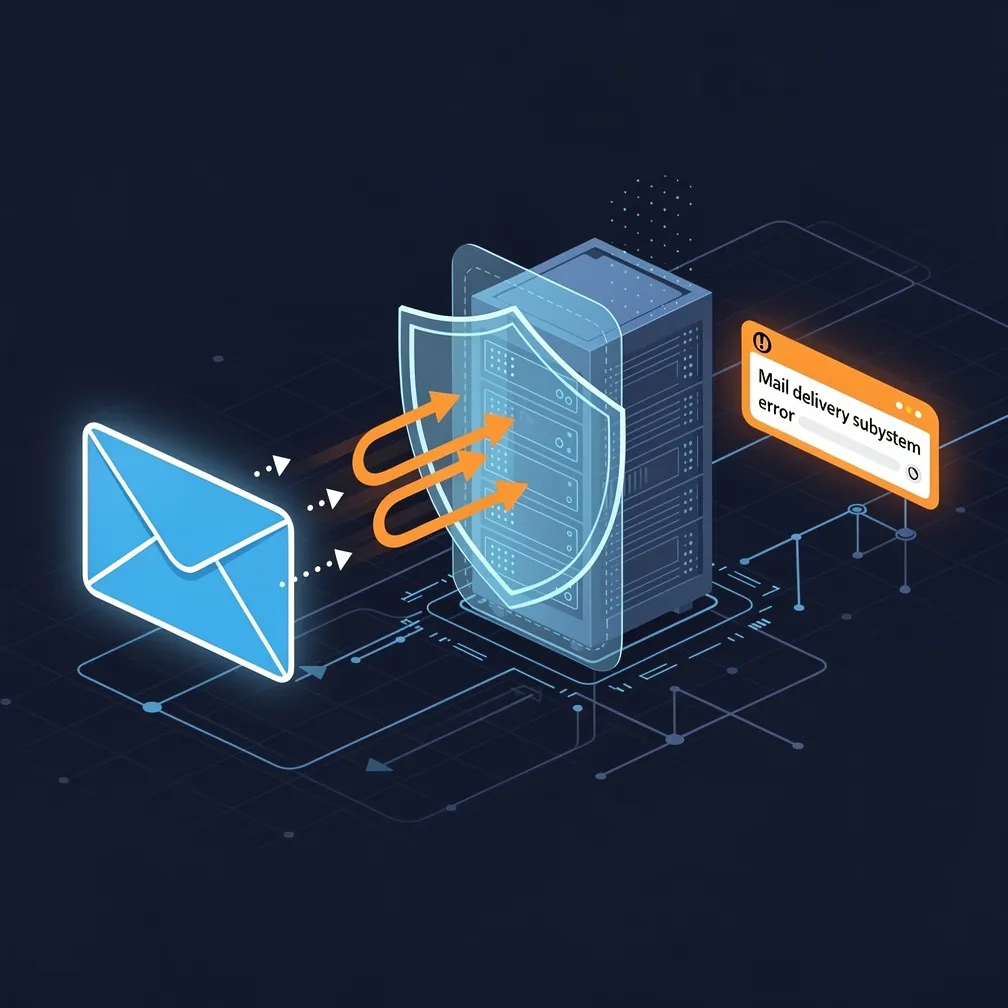
You’ve sent an important email, only to receive an automated response from the “Mail Delivery Subsystem” minutes later. Your message didn’t reach its destination, and now you’re staring at a confusing error message filled with technical jargon. Understanding what these notifications mean and how to resolve them is crucial for maintaining effective communication and ensuring your emails reach their intended recipients.
An email from mail delivery subsystem is an automated bounce notification generated by the receiving mail server when it cannot successfully deliver your message. This system acts as a messenger, informing you that something went wrong during the delivery process. The notification typically includes diagnostic information about why the delivery failed, error codes that classify the problem, and portions of your original message headers. These automated responses are not sent by a human—they’re generated by mail transfer agents (MTAs) that handle email routing across the internet.
Understanding why you’re experiencing a mail delivery subsystem error is the first step toward resolution. Here are the most frequent causes:
A mail delivery subsystem bounce back contains valuable diagnostic information if you know where to look. The most critical element is the error code, which appears near the beginning of the message. Understanding the difference between error types is essential:
Permanent Failures (5xx codes): Error code 550 indicates a permanent failure—the address is invalid or the server is explicitly rejecting your message. Code 553 typically means the address format is incorrect, while 554 suggests a transaction failure or policy rejection.
Temporary Failures (4xx codes): Error code 452 indicates the mailbox is full or the server has insufficient storage. Code 421 means the service is temporarily unavailable, and 450 suggests a temporary routing problem.
The bounce message also includes the original message headers, which show the path your email took before failure, and diagnostic information that provides human-readable explanations of what went wrong. Pay close attention to any text following “Diagnostic-Code” or “Remote-Host said” as these sections often contain the most actionable information.
Once you’ve identified the problem, you can take specific corrective actions:
Verify Recipient Address Spelling: For 550 errors, double-check the email address for typos. Contact the recipient through an alternative channel to confirm their correct email address.
Reduce Attachment Size: If your message was rejected for being too large, compress attachments, use file-sharing services for large files, or send multiple smaller emails instead of one large message.
Check If You’re Blacklisted: Use online blacklist checking tools to determine if your IP address or domain appears on spam databases. If blacklisted, follow the delisting procedures for each specific blacklist.
Wait and Retry for Temporary Failures: For 4xx errors, the problem is often temporary. Wait several hours before attempting to resend your message.
Check SPF/DKIM/DMARC Alignment: Authentication failures are increasingly common causes of rejection. Verify that your email authentication records are properly configured. For detailed guidance on implementing these protocols, review our DMARC policy configuration technical guide to ensure your domain is properly authenticated.
Occasional bounce messages are normal, but certain patterns suggest systemic issues requiring professional attention. If you’re experiencing bounce rates exceeding 5% of your total send volume, this indicates serious deliverability problems. Multiple bounces from different domains with similar error messages about authentication failures suggest your SPF, DKIM, or DMARC records need immediate attention.
Consistent rejections citing your IP address or domain reputation indicate you may be blacklisted or have a damaged sender reputation that requires dedicated remediation efforts. These situations often demand working with email deliverability specialists who can diagnose infrastructure problems and implement comprehensive solutions.
Preventing mail delivery subsystem errors requires proactive management of your email infrastructure. Regular authentication audits, maintaining clean mailing lists, and monitoring your sender reputation are essential practices. At Email Delivery Pro, we understand that reliable email delivery is critical to your business operations. If you’re experiencing persistent delivery issues or want to prevent them entirely, compare reliable email delivery services to find a solution that ensures your messages consistently reach their destination.