Your business email is under attack, and you might not even know it. While large enterprises have dedicated security teams monitoring threats, small businesses often operate with minimal protection—making them prime targets for cybercriminals. If you’re a small business owner or IT manager, understanding email authentication for small business isn’t optional anymore. It’s essential for protecting your brand, maintaining customer trust, and ensuring your legitimate emails actually reach their destination.
Small businesses face a disproportionate risk when it comes to email-based attacks. Cybercriminals specifically target smaller organizations because they typically lack sophisticated security infrastructure. Without proper email authentication, attackers can easily spoof your domain—sending phishing emails that appear to come from your company. These fraudulent messages can target your customers, partners, and even your own employees.
The consequences of domain impersonation extend far beyond the immediate attack. When customers receive phishing emails appearing to originate from your business, their trust erodes rapidly. Even after explaining that your domain was spoofed, the damage to your reputation can persist for months or years. Some customers may simply stop doing business with you rather than risk their own security.
The landscape changed dramatically in 2024 when Google and Yahoo implemented new sender requirements affecting anyone sending email to Gmail or Yahoo addresses. These requirements mandate proper authentication protocols for all senders, regardless of business size. If you’re sending marketing emails, transactional notifications, or even basic business correspondence, you now need authentication configured correctly—or risk your emails being rejected or marked as spam.
For startups and growing businesses, small business email security directly impacts your ability to communicate effectively. Emails that land in spam folders mean lost sales opportunities, delayed customer support, and missed business-critical communications.
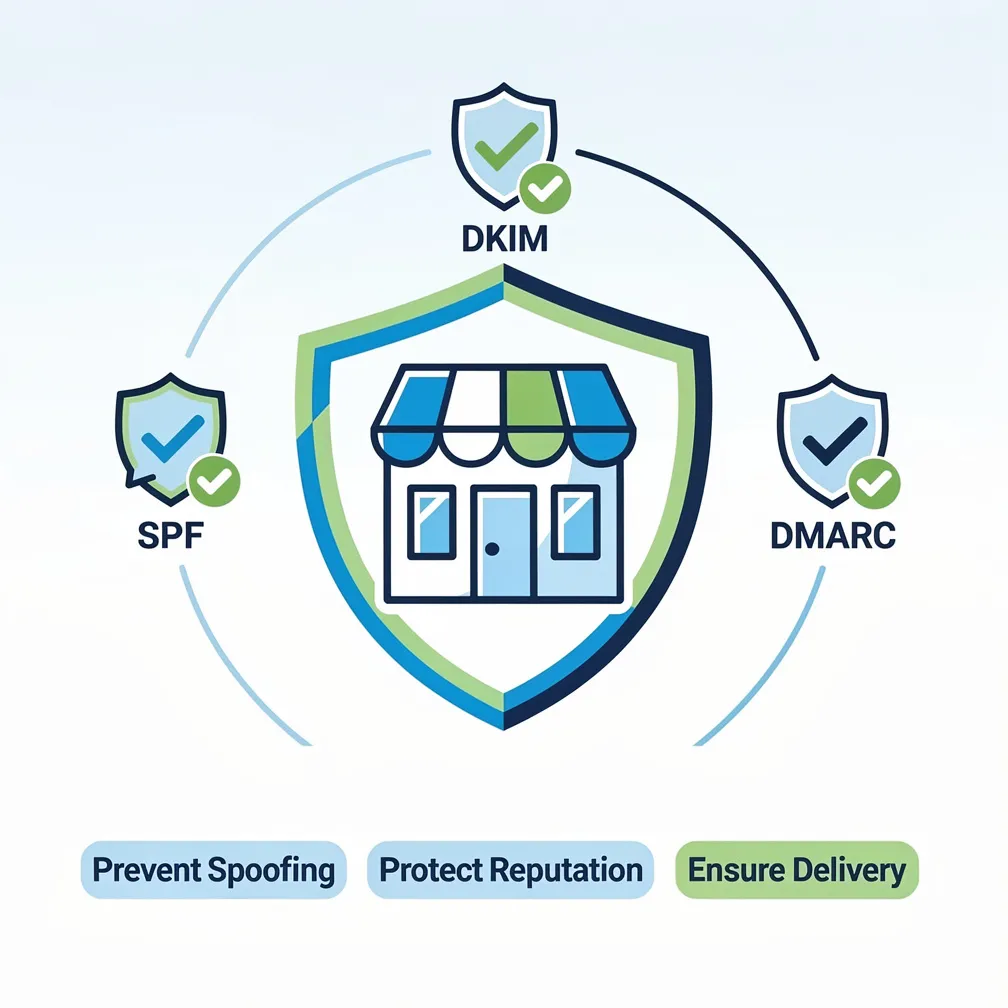
Email authentication relies on three core protocols that work together to verify your messages are legitimate. Understanding these technologies doesn’t require deep technical expertise—think of them as three complementary layers of protection.
SPF (Sender Policy Framework) functions as an authorized sender list for your domain. You publish a DNS record that specifies exactly which mail servers are permitted to send email on behalf of your domain. When a receiving server gets an email claiming to be from your domain, it checks this list. If the sending server isn’t authorized, the email fails SPF authentication.
DKIM (DomainKeys Identified Mail) adds a digital signature to your outgoing emails. Your email server signs each message with a private key, and you publish the corresponding public key in your DNS records. Receiving servers use this public key to verify the signature, confirming the email hasn’t been tampered with during transit and truly originated from your domain.
DMARC (Domain-based Message Authentication, Reporting and Conformance) serves as the policy enforcement layer. It tells receiving servers what to do when an email fails SPF or DKIM checks—quarantine it, reject it, or deliver it anyway. DMARC also provides reporting mechanisms so you can monitor authentication results and identify both legitimate sending sources and spoofing attempts.
All three protocols are necessary for comprehensive protection. SPF and DKIM verify different aspects of email authenticity, while DMARC provides the policy framework and visibility you need to protect your domain effectively. Together, they create a layered defense that dramatically reduces your vulnerability to spoofing and phishing attacks.
Implementing email security for startups and small businesses doesn’t have to be overwhelming. Follow this practical five-step roadmap:
Small businesses face unique obstacles when implementing email authentication. Limited IT resources top the list—many small businesses lack dedicated IT staff and rely on generalists wearing multiple hats. Email authentication can seem daunting without specialized expertise.
Multiple email services create complexity in SPF records. Between your primary email provider, marketing automation platform, CRM system, and website contact forms, you might have five or more services that need SPF authorization. Coordinating all these include statements while staying under DNS lookup limits requires careful planning.
Shared hosting limitations can restrict your DNS management capabilities. Some budget hosting providers offer limited DNS control or don’t support all the record types needed for proper authentication. You may need to migrate DNS management to a more capable provider.
Lack of monitoring expertise makes DMARC reports challenging. These reports arrive in XML format and contain technical data that’s difficult to interpret without specialized knowledge or tools. Understanding what the reports tell you about your email authentication status requires either learning curve time or additional software.
DNS management unfamiliarity creates hesitation. Many small business owners have never edited DNS records and fear making mistakes that could break their website or email. This fear is legitimate—DNS errors can cause significant disruptions.
Fear of breaking email delivery is perhaps the biggest barrier. Business owners worry that implementing authentication will cause legitimate emails to bounce or land in spam, disrupting critical business communications.
Fortunately, implementing email authentication doesn’t require significant financial investment. Many solutions are free or low-cost, making them accessible even for the smallest businesses.
Free DNS management tools like Cloudflare offer robust DNS control at no cost. These platforms provide user-friendly interfaces for managing authentication records without requiring deep technical knowledge.
Email providers with built-in authentication simplify implementation considerably. Google Workspace and Microsoft 365 both offer integrated SPF, DKIM, and DMARC setup through their admin consoles. These platforms provide documentation and wizards that guide you through the process step-by-step.
Free DMARC monitoring services are available from several providers offering basic reporting at no cost. These services parse DMARC reports and present the data in readable dashboards, helping you understand your authentication status without XML expertise.
Managed email delivery services like Email Delivery Pro handle authentication configuration as part of their service. If you’re already using a dedicated email delivery platform, authentication setup is typically included. Compare different email delivery solutions to find one that matches your needs and budget.
Consider the ROI perspective: preventing a single spoofing incident that damages customer relationships or results in financial fraud far exceeds the minimal cost of implementing authentication. The setup investment—whether measured in time or money—pays for itself many times over through avoided incidents and improved deliverability.
If you work with an IT provider or managed service provider (MSP), they should be proactively addressing email authentication. Here’s what to ask and what to watch for.
Questions to ask your IT provider:
Red flags include IT providers who dismiss email authentication as unnecessary, claim it’s “too complicated” for small businesses, or aren’t familiar with the 2024 Google and Yahoo sender requirements. Any provider managing your email infrastructure should have email authentication expertise.
Evaluating email security expertise: Ask potential IT providers about their experience implementing authentication for businesses similar to yours. Request case studies or references. A qualified provider should explain SPF, DKIM, and DMARC in plain language and outline a clear implementation plan.
Verifying implementation: Don’t just trust that authentication is working—verify it. Use the free testing tools mentioned earlier to confirm records are published correctly. Send test emails to accounts you control and examine the headers to verify SPF, DKIM, and DMARC are passing. Request regular reports from your IT provider showing authentication status.
Email authentication for small business is no longer a nice-to-have technical enhancement—it’s a fundamental requirement for operating safely in today’s threat environment. The combination of increased targeting by cybercriminals and mandatory sender requirements from major email providers means you can’t afford to delay implementation.
The good news is that proper authentication is achievable regardless of your technical expertise or budget. By following the practical steps outlined in this guide, you can protect your domain from spoofing, maintain customer trust, and ensure your legitimate emails reach their intended recipients.
Start with the basics: audit your sending sources, implement SPF and DKIM, and begin DMARC monitoring. As you gain confidence and visibility, strengthen your policies to provide complete protection. Whether you handle implementation yourself, work with your IT provider, or partner with a managed email delivery service, the important thing is to start now.
Your business reputation, customer relationships, and email deliverability depend on it.