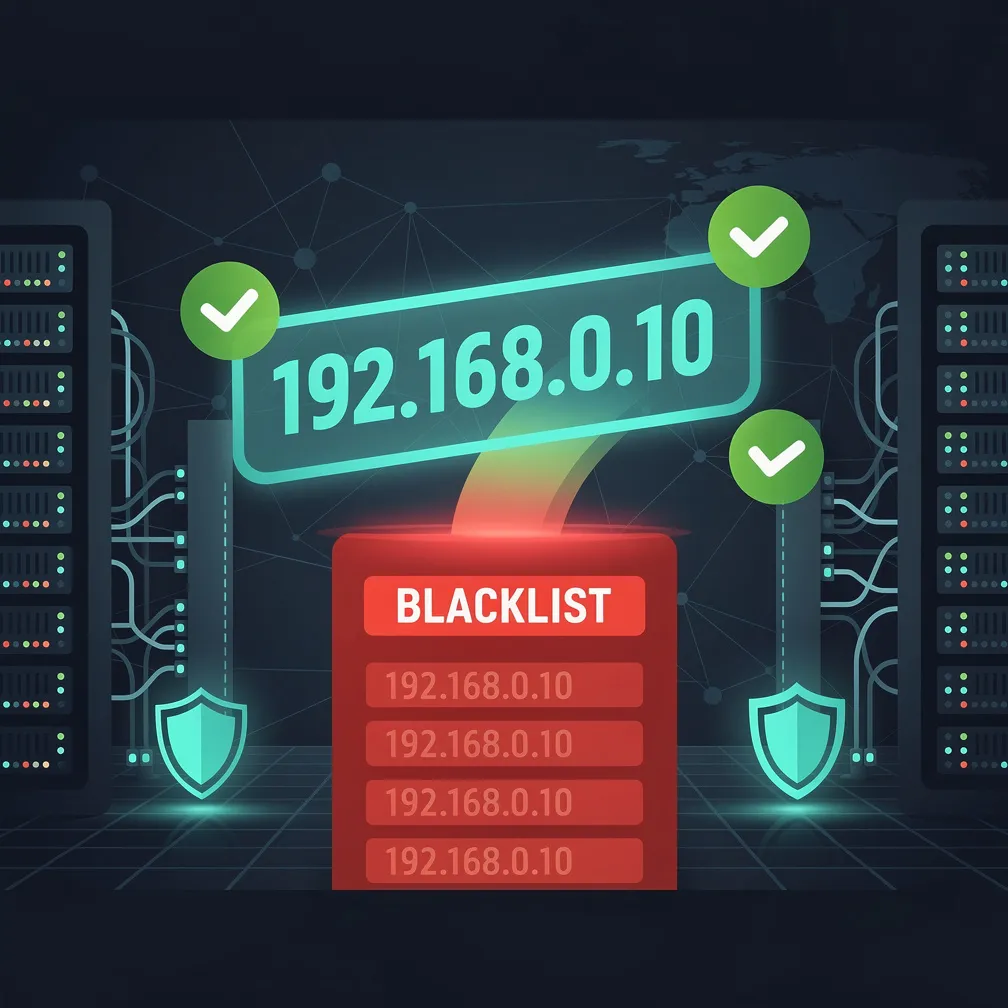
What Is an Email Blacklist?
An email blacklist (also called a blocklist or DNSBL) is a real-time database of IP addresses and domains that have been flagged for sending spam or exhibiting suspicious mail behavior. When your sending IP or domain appears on a blacklist, receiving mail servers reject or filter your messages before they reach the inbox.
The impact is immediate and severe: bounce rates spike, legitimate business emails vanish, and your sender reputation enters a downward spiral. Email blacklist removal is a time-critical operation — every hour you remain listed, more of your mail gets blocked.
This guide walks you through the complete delisting process, from detection to removal to prevention.
How to Check If You’re Blacklisted
Before you can fix the problem, you need to confirm the listing and identify which blacklist(s) flagged your infrastructure. Here’s how to run an IP blacklist check:
Multi-Blacklist Lookup Tools
- MXToolbox Blacklist Check — Queries 100+ DNSBLs simultaneously against your IP or domain. The fastest single-pane diagnostic.
- Spamhaus Lookup — Direct query against the most influential blacklist. Check both the SBL (Spamhaus Block List) and XBL (Exploits Block List).
- MultiRBL.valli.org — Tests against 300+ blacklists including obscure regional lists.
- DNSBL.info — Clean interface for bulk IP checking across major lists.
Manual DNS Query Method
You can query any DNSBL directly using dig or nslookup. Reverse your IP octets and append the blacklist domain:
# Check IP 192.168.1.100 against Spamhaus ZEN
dig +short 100.1.168.192.zen.spamhaus.org

# A response of 127.0.0.x = LISTED
# NXDOMAIN = NOT listed
Bounce Message Analysis
Your SMTP bounce logs often contain the smoking gun. Look for rejection messages that reference a specific blacklist:
550 5.7.1 Service unavailable; client [x.x.x.x] blocked using
    zen.spamhaus.org; https://www.spamhaus.org/query/ip/x.x.x.x
Parse your bounce logs for patterns — if multiple recipients reject with the same DNSBL reference, you’ve identified your listing.
Major Email Blacklists and Their Delisting Procedures
Not all blacklists are equal. Some auto-expire, some require manual requests, and some demand evidence of remediation before removal. Here’s the blacklist delisting process for each major list:
1. Spamhaus (SBL/XBL/PBL)
Spamhaus is the most impactful blacklist globally. A Spamhaus listing can block 30–50% of your outbound email instantly.
| List |
Reason |
Delisting Method |
Timeframe |
| SBL |
Confirmed spam source |
Manual request via Spamhaus portal |
24–72 hours |
| XBL |
Compromised host / botnet |
Auto-expires after cleanup; manual request available |
12–24 hours |
| PBL |
Dynamic/residential IP range |
ISP must request removal; not spam-related |
Varies |
Delisting steps:
- Visit
https://check.spamhaus.org/ and look up your IP
- Read the specific reason code (SBL, CSS, XBL) and associated evidence
- Fix the underlying issue (compromised account, open relay, spam source)
- Submit a removal request through the Spamhaus self-service portal
- Provide a brief explanation of what caused the listing and what you fixed
Critical: Spamhaus will re-list you immediately if the problem recurs. Do not request removal until the root cause is resolved.
2. Barracuda (BRBL)
The Barracuda Reputation Block List is widely used by enterprise spam filters, particularly organizations running Barracuda appliances.
Delisting steps:
- Visit
http://www.barracudacentral.org/lookups
- Enter your IP and confirm the listing
- Click “Request Removal” and complete the form
- Provide your email address, IP, and a description of remediation steps taken
Timeframe: Typically 12–24 hours after submission. Barracuda uses automated scoring, so repeated listings make future removal harder.
3. SORBS (Spam and Open Relay Blocking System)
SORBS maintains multiple zone lists. The most common listing reasons are dynamic IP ranges and historical spam.
Delisting steps:
- Check your IP at
http://www.sorbs.net/lookup.shtml
- Identify the specific SORBS zone (DNSBL, SPAM, DUL, etc.)
- For SPAM listings: request delisting via their support system (may require a nominal fee for expedited processing)
- For DUL (Dynamic User List): contact your ISP to have the IP reclassified as static
Timeframe: 24–48 hours for standard requests. DUL changes depend on ISP cooperation.
4. SpamCop
SpamCop listings are typically short-lived and based on real-time spam reports from SpamCop users.
Delisting process: SpamCop listings auto-expire within 24–48 hours once spam reports stop. There is no manual removal process — the system is entirely automated.
Action required: Stop the spam source. Once reports cease, the listing drops automatically.
5. UCEPROTECT
UCEPROTECT operates in three levels — Level 1 (single IP), Level 2 (IP range/allocation), and Level 3 (entire ASN).
Delisting steps:
- Level 1: Auto-expires 7 days after last spam event. Express delisting available (paid).
- Level 2: Requires the hosting provider to address abuse across the range.
- Level 3: Requires the ASN operator to demonstrate network-wide abuse reduction.
6. CBL (Composite Blocking List)
The CBL is part of the Spamhaus XBL and lists IPs showing characteristics of compromised machines (bots, trojans, worms).
Delisting steps:
- Visit
https://www.abuseat.org/lookup.cgi
- Confirm your IP is listed and note the detection details
- Clean the compromised system (malware scan, patch vulnerabilities, rotate credentials)
- Click the self-service removal link on the lookup results page
Timeframe: Immediate upon request, but re-listing is automatic if malicious traffic continues.
Step-by-Step Email Blacklist Removal Workflow
Regardless of which blacklist flagged you, follow this systematic approach:
Step 1: Identify All Listings
Run your sending IPs and domains through MXToolbox or a similar multi-list checker. Document every listing — you may be on multiple lists simultaneously.
Step 2: Diagnose the Root Cause
Common causes of blacklisting include:
- Compromised email account sending spam
- Open relay or misconfigured mail server
- Purchased/scraped email lists with spam traps
- Sudden volume spike without proper warm-up
- Malware on a server within your IP range
- High complaint rates (above 0.1%) from recipients
- Sending to recycled spam trap addresses
Step 3: Remediate the Issue
Fix the problem before requesting delisting. Premature removal requests waste your credibility with blacklist operators and may result in longer listing durations.
Step 4: Submit Delisting Requests
Once the root cause is resolved, submit removal requests to each blacklist individually. Be factual and concise in your explanation — blacklist operators process thousands of requests daily.
Step 5: Monitor and Confirm
After submitting, re-check your status every 4–6 hours. Most removals process within 24 hours. Set up ongoing monitoring so you’re alerted immediately if re-listed.
How to Prevent Future Blacklist Listings
Delisting is a reactive measure. Implement these controls to stay off blacklists permanently:
Authentication Infrastructure
- SPF: Publish a strict SPF record that only authorizes your legitimate sending IPs
- DKIM: Sign all outbound mail with a 2048-bit DKIM key
- DMARC: Enforce
p=reject to prevent unauthorized use of your domain
List Hygiene Practices
- Remove hard bounces immediately after the first bounce event
- Suppress inactive subscribers who haven’t engaged in 90+ days
- Never purchase, rent, or scrape email lists
- Implement confirmed opt-in (double opt-in) for all new signups
- Process feedback loop (FBL) complaints and suppress complainers instantly
Sending Behavior Controls
- Warm up new IPs gradually — start with your most engaged recipients
- Maintain consistent daily sending volume (avoid 10x spikes)
- Separate transactional and marketing mail on different IPs
- Monitor complaint rates daily — investigate anything above 0.05%
Infrastructure Security
- Disable open relay on all mail servers
- Enforce strong passwords and MFA on all email accounts
- Patch mail server software promptly (Postfix, Exchange, etc.)
- Rate-limit outbound connections to detect compromised accounts early
- Run regular vulnerability scans on your mail infrastructure
Ongoing Monitoring
- Set up automated blacklist monitoring (MXToolbox, HetrixTools, or similar)
- Alert on bounce rate increases exceeding 2% of total volume
- Track inbox placement rates across major providers (Gmail, Microsoft, Yahoo)
- Review DMARC aggregate reports weekly for unauthorized sending
When to Seek Professional Help
Some blacklist situations are straightforward — a single SpamCop listing from a one-time event will resolve itself. But certain scenarios warrant expert intervention:
- Spamhaus SBL escalation: If Spamhaus escalates to your provider or refuses removal, you need experienced deliverability consultants who have working relationships with blacklist operators.
- Multiple simultaneous listings: When you’re on 5+ blacklists at once, the root cause is often deeper than a single compromised account. A deliverability audit can uncover systemic issues.
- Repeat listings: If you keep getting re-listed after removal, your remediation isn’t addressing the actual cause. Professional log analysis and traffic forensics can identify the real source.
- IP reputation collapse: When your IP reputation is so damaged that even clean traffic gets rejected, you may need to migrate to new infrastructure with a proper warm-up plan.
- Provider-level blocks: Gmail, Microsoft, and Yahoo maintain their own internal blocklists separate from public DNSBLs. These require specific postmaster escalation processes that differ from standard blacklist removal.
Email Delivery Pro specializes in helping organizations navigate complex deliverability situations, including blacklist removal, reputation recovery, and infrastructure hardening to prevent future incidents.
Key Takeaways
- Run an IP blacklist check immediately when you notice delivery drops — use MXToolbox or direct DNS queries
- Identify and fix the root cause before requesting blacklist delisting — premature requests damage your credibility
- Each major blacklist has a unique removal process — follow the specific procedure for Spamhaus, Barracuda, SORBS, and others
- Prevention is orders of magnitude cheaper than remediation — invest in authentication, list hygiene, and monitoring
- Seek professional help when listings are escalated, repeated, or involve provider-level blocks