Your SPF is perfect. Your DKIM signs flawlessly. Your DMARC policy is published.
So why are your emails still bouncing or landing in spam?
The answer might be hiding in plain sight: your reverse DNS configuration.
What Is Reverse DNS and Why Should You Care?
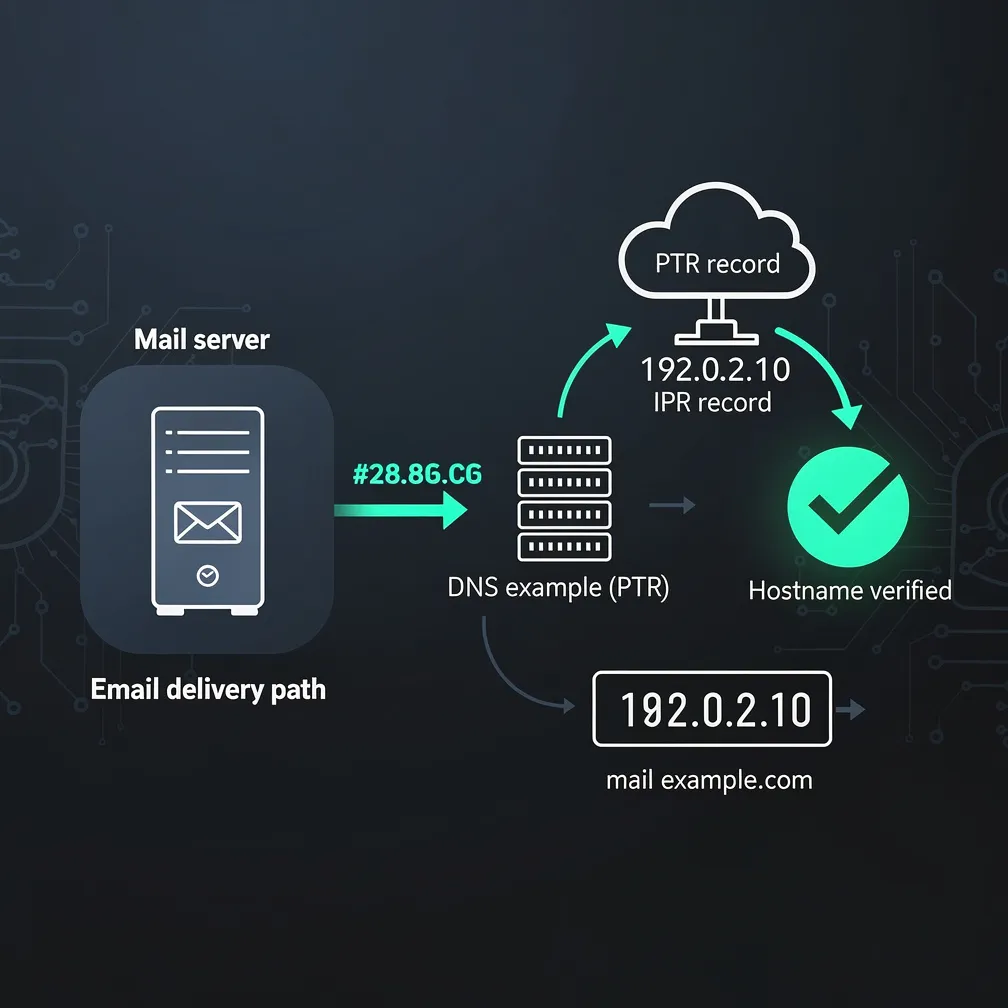
Reverse DNS does exactly what the name suggests—it works backward from a traditional DNS lookup. While standard DNS translates a domain name into an IP address, reverse DNS uses a PTR record to map an IP address back to a domain name.
When your mail server initiates an SMTP connection, the receiving server performs this reverse lookup on your sending IP address. It’s checking whether your IP address has a valid PTR record and whether that record matches the domain you claim to be sending from.
This happens before the receiving server even looks at your email authentication protocols.
The SMTP Handshake Reality Check
Here’s what most people don’t realize: receiving mail servers check reverse DNS during the initial SMTP connection—not after. It’s one of the first validation steps in the email delivery process.
If your PTR record is missing, misconfigured, or doesn’t match your forward DNS, you’re already starting from a position of suspicion. Many enterprise mail servers and spam filters use this as an immediate trust signal.
No reverse DNS? You’re telling receiving servers that you haven’t properly configured your email infrastructure. That’s not the first impression you want to make.
The Real Consequences of PTR Record Problems
Missing or misconfigured PTR records create tangible deliverability problems:
Your Action Plan
Don’t let reverse DNS be your blind spot. Here’s what you need to do:
Verify that every sending IP address has a PTR record configured. This includes your IPv6 addresses—yes, those matter too.
Ensure your PTR records match your forward DNS entries. The domain in your PTR record should have an A or AAAA record pointing back to the same IP address. This is called forward-confirmed reverse DNS or FCrDNS.
Check that your PTR record matches the hostname your mail server uses in its SMTP HELO/EHLO command. Consistency matters.
Audit all your sending infrastructure, including backup mail servers, marketing automation platforms, and transactional email services.
The Bottom Line
Email deliverability isn’t just about authentication protocols—it’s about demonstrating legitimate, professional email infrastructure. Reverse DNS is a fundamental trust signal that receiving servers check before your message even has a chance to be evaluated.
At Email Delivery Pro, we see PTR record issues derail otherwise solid email programs every day. Don’t let this overlooked factor be the reason your critical communications never reach the inbox.
Ready to audit your email infrastructure? Start with your reverse DNS configuration today.
#EmailDeliverability #EmailMarketing #SMTP #EmailAuthentication #SenderReputation #ITInfrastructure #EmailSecurity #MarketingOps